In this article I want to show installiation of Cassandra on Ubuntu Linux.
Youi have to install Java 8 and Java 11. We will use Java 11.
I. Install dependencies for Apache Cassandra and Java.
1. Update packages:
sudo apt update
2. We have to install Java 11 by command:
sudo apt install openjdk-11-jdk -y
3. install the apt-transport-https package
sudo apt install apt-transport-https
II. Adding Apache Cassandra repository and key.
1.
Add the Apache repository of Cassandra to the file /etc/yum.repos.d/cassandra.repo (as the root user). The latest major version is {41_version} and the corresponding distribution name is 41x (with an “x” as the suffix). For older releases use:
41x for C* {41_version} series
40x for C* 4.0 series
311x for C* {311_version} series
30x for C* {30_version} series
For example, to add the repository for version {41_version} (41x):
echo "deb [signed-by=/etc/apt/keyrings/apache-cassandra.asc] https://debian.cassandra.apache.org 41x main" | sudo tee -a /etc/apt/sources.list.d/cassandra.sources.list
deb https://debian.cassandra.apache.org 41x main
2.Apache Cassandra is not available in the official Ubuntu repository, you need to add the Cassandra repository and pull the repository key before installing the database.
sudo curl -o /etc/apt/keyrings/apache-cassandra.asc https://downloads.apache.org/cassandra/KEYS
III. Install Cassandra
1. Updating package:
sudo apt-get update
2. Install the cassandra:
sudo apt-get install cassandra
3.Verify Cassandra installiation:
nodetool status

sudo systemctl status cassandra

IV. Basic commands for Cassandra’s manipulation
sudo systemctl status cassandra    # status of service

sudo systemctl start cassandra    # start cassandra service

sudo systemctl restart cassandra  # restart  cassandra service

sudo systemctl stop cassandra   # stop cassandra service

sudo systemctl enable cassandra  # enable cassandra service
Backup cassandra settings:
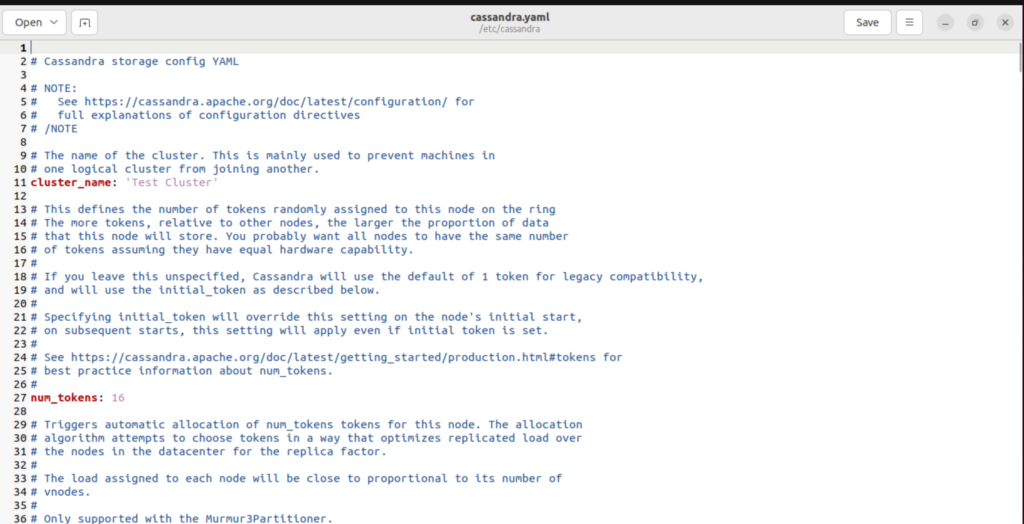
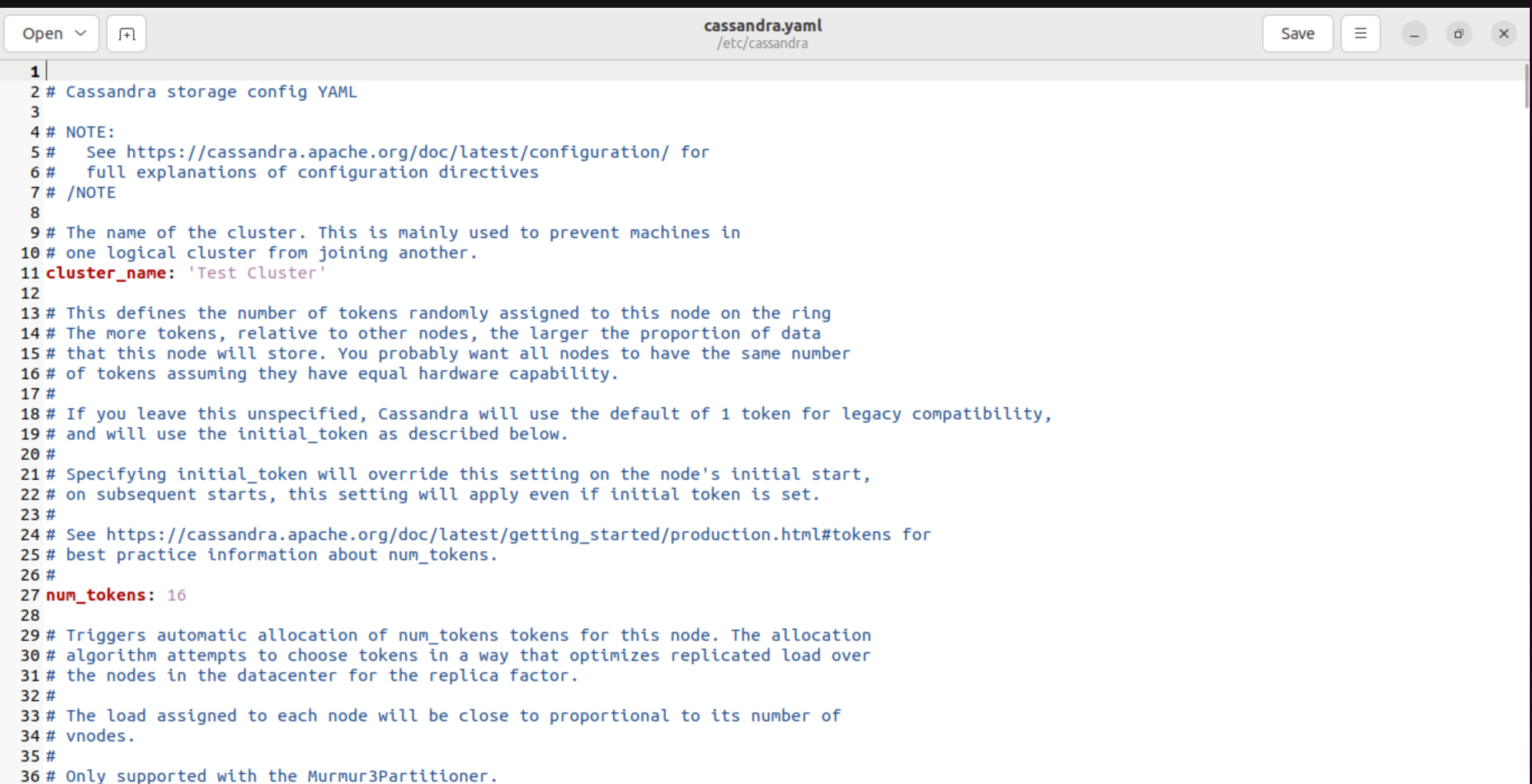
sudo cp /etc/cassandra/cassandra.yaml /etc/cassandra/cassandra.yaml.backup
edit cassandra settings:
 sudo vi /etc/cassandra/cassandra.yaml
#OR
sudo gedit /etc/cassandra/cassandra.yaml[/php]
V. Basic CQlSH cmmands
We have to call csql from command line:
 sudo cqlsh


cqlsh> select * from dzen.users allow filtering;


List of commands:
CREATE KEYSPACE IF NOT EXISTS dzen WITH REPLICATION = { 'class' : 'SimpleStrategy', 'replication_factor' : 1 };    # create new KeySpace dzen

use dzen;  #use dzen-keyspace
create new table users in keyspace dzen
CREATE TABLE IF NOT EXISTS users (   user_id UUID PRIMARY KEY,
                                     first_name text,
                                     last_name text,
                                     email text
);   #create new table users
insert data in users table:
INSERT INTO dzen.users (user_id, email, first_name, last_name)
VALUES (e7ae5c77-d358-4d99-b900-85902fda9bb7, 'andjei@gmail.com', 'Andjei','dudkin');
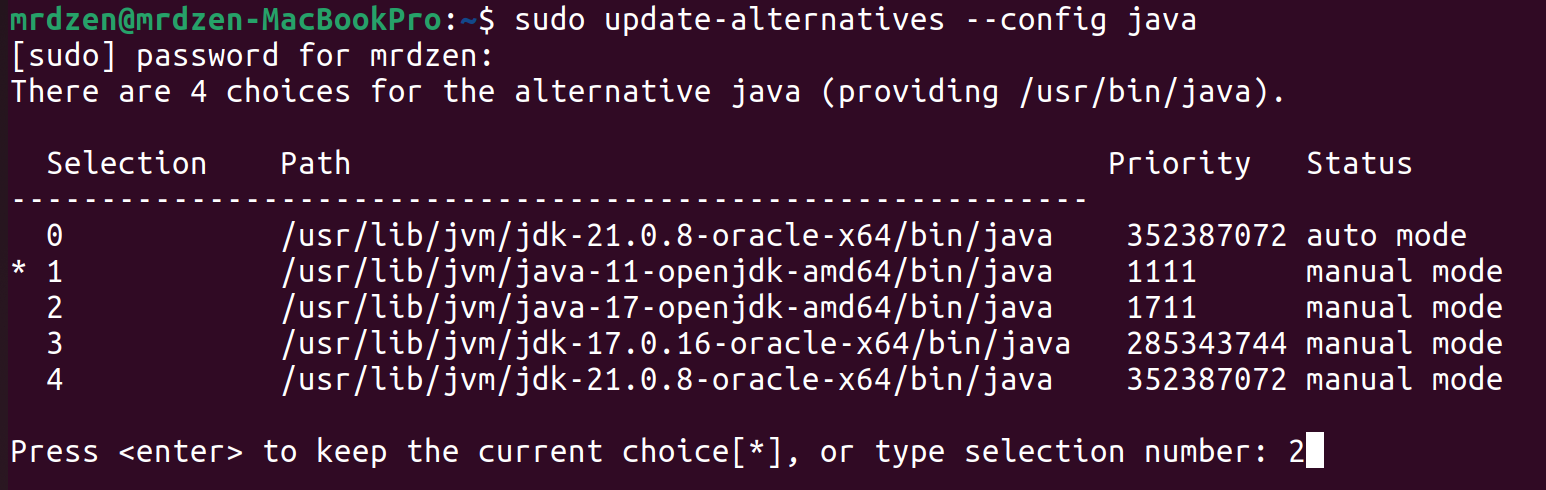
VI. Select version of Java During multi-using of version of JAVA
sudo update-alternatives --config java
for Cassandra- use Java 8 or Java 11
java version selection
VII. IntelliJ IDEA Cassandra connection
Link: Official Documentation